
Internet connectivity in Jamaica is better than it was a decade ago, but it’s far from perfect—and at the guard booth, “far from perfect” is not good enough.
A gated community’s front gate is the one point in the entire operation that cannot pause. Residents arrive at all hours. Guests show up for events. Deliveries come on schedule regardless of whether the network is cooperating.
If the gate management system stops working when the internet drops, it’s not a gate management system. It’s a liability.
This is why FiWi’s Security Gate App was built from the ground up as an offline-first application. Not “offline-capable” as an afterthought. Not “works in degraded mode when connectivity is poor.” Fully functional, fully featured, and fully reliable whether the guard booth has fibre-optic broadband or no signal at all.
Why Offline Capability Matters at the Gate
Before examining how the technology works, it’s worth understanding why offline capability isn’t a luxury feature but a fundamental requirement for Jamaican gate operations.
Unreliable internet service. Many guard booths rely on mobile data or Wi-Fi connection from the community’s main building. Both are subject to outages, congestion, and coverage gaps. A guard booth at the perimeter of a large property in Portmore or a hillside community in Kingston may sit at the edge of the network’s reach, where connectivity is intermittent on a good day.
Power outages. Jamaica experiences power interruptions that can take down routers and network equipment even when the guard’s device remains charged. A tablet with a full battery is useless if the Wi-Fi router it depends on has lost power.
Peak usage congestion. During high-traffic events—a community function, a holiday weekend, the morning rush—network congestion can slow data connections to a crawl. A gate app that needs to make server calls for every operation will grind to a halt at precisely the moments when speed matters most.
Remote and semi-rural communities. Gated communities aren’t limited to urban centres. Developments in Ocho Rios, Mandeville, and other areas outside Kingston and Montego Bay may have limited connectivity infrastructure. An app that requires constant internet access simply won’t serve these communities.
How Offline Architecture Works
FiWi’s Security Gate App uses a layered offline architecture that ensures every core function remains available regardless of connectivity status.
Local data storage. When the app first loads and the guard signs in, it downloads and caches the complete dataset needed for gate operations: all residents, all registered guests, all lot information, and the entry log. This data is stored locally on the device using browser-based database technology that persists even when the browser is closed or the device is restarted.
This isn’t a simplified subset of the data. It’s the full operational dataset—every resident, every guest, every lot—all stored on the device and available for instant access.
Offline search. Because the entire dataset lives locally, the app’s real-time search function works identically whether the device is online or offline. A guard can search for a guest by name, filter residents by lot number, or scroll through the entry log without making a single network request. The search is instantaneous because it queries the local database, not a remote server.
Offline QR scanning. The QR scanner operates against the local database. When a guard scans a resident’s or guest’s QR code, the app looks up the credential in its locally cached data, verifies its validity, checks the associated lot’s compliance status, and routes the guard to the check-in page. No server call is needed. The entire verification process happens on the device.
This is a critical capability. QR scanning is the fastest and most reliable way to verify a visitor at the gate, and it continues to work exactly the same way whether the device has connectivity or not.
Offline check-ins with automatic queuing. When a guard completes a check-in while the device is offline, the entry is recorded immediately in the local database and added to an outbound sync queue. The guard sees the same confirmation, the entry log updates with the new record, and the workflow continues without interruption.
When connectivity is restored, the queued check-ins are automatically transmitted to the server. The guard doesn’t need to take any action—the sync happens in the background, silently and reliably.
Offline guest creation. The Add Guest Wizard also works offline. If a guard needs to create a guest pass and the device has no internet connection, the entire four-step process proceeds normally. The new guest record is created in the local database immediately, making the guest visible in the guest list and available for check-in right away.
This is what “optimistic UI” means in practice: the app treats the local action as authoritative and handles server synchronisation later. The guard and the visitor experience no delay and no degradation in service.
The Synchronisation Strategy
Offline capability is only half the equation. The other half is ensuring that data stays current and that offline actions are reliably transmitted to the server.
Delta sync every 60 seconds. When the device is online, the app performs a delta sync every 60 seconds. This lightweight operation checks for changes since the last sync and downloads only new or modified records. If a property manager adds a new resident, updates a lot’s compliance status, or if another guard at a different gate checks in a visitor, those changes appear in the app within a minute.
Full sync for extended gaps. If the app detects that its data is more than 30 minutes stale—for example, after a prolonged connectivity outage or when the guard starts a new shift—it triggers a full sync. This downloads the complete dataset, ensuring that the local cache is fully current before the guard resumes operations.
Replay on reconnection. When connectivity is restored after an offline period, the app replays all queued actions to the server in the order they were performed. Check-ins, guest creations, and other operations are transmitted sequentially, preserving the accurate chronological record.
Deduplication. Network conditions can be unpredictable. A sync attempt might partially succeed, leaving ambiguity about whether the server received the data. FiWi handles this with deduplication: every offline action is tagged with a unique identifier. If the same action is transmitted more than once—because of a retry after a timeout, for example—the server recognises the duplicate and discards the redundant submission.
This prevents the most common data integrity problem in offline-capable systems: double entries. A check-in that was recorded offline and then synced will never appear twice in the entry log, regardless of how many sync attempts were needed to transmit it successfully.
Retry with exponential backoff. When a sync attempt fails, the app retries automatically—up to five times, with increasing delays between attempts. This prevents the app from hammering an unresponsive server and consuming battery or bandwidth unnecessarily. If all five retries fail, the data remains safely queued locally and will be transmitted on the next successful connection.
What This Means for Day-to-Day Operations
The practical impact of offline-first design is that the guard’s workflow never changes based on connectivity status.
Consider a typical scenario: A guard arrives for the evening shift at a townhouse complex in Spanish Town. The community’s internet connection is unreliable—it drops for 10 to 15 minutes several times per evening. With a traditional cloud-dependent app, each outage would mean the guard can’t verify guests, can’t search the resident list, can’t log entries. They would revert to the clipboard and logbook, and those entries would never make it into the digital system.
With FiWi’s Security Gate App, the guard doesn’t even notice the outages. The guest list is on the device. The resident list is on the device. QR scanning works locally. Check-ins are recorded locally and sync when the connection returns. When the property manager reviews the entry log the next morning, every entry is there—timestamped, structured, and complete.
Built for the Realities of Jamaican Infrastructure
Offline-first design isn’t just a technical feature. It’s a commitment to building software that works in the real conditions where it will be used.
Jamaica’s telecommunications infrastructure is improving, but guard booths at gated communities are not data centres. They’re small structures at the edge of properties, often with marginal signal strength and no dedicated network connection.
A security gate app that only works with a strong, stable internet connection is an app that will fail its users regularly. FiWi’s offline-first approach ensures that the gate never stops, the guard never waits, and the data is never lost.
Want a gate management system that works regardless of connectivity? Visit fiwi.community to learn how FiWi’s offline-first Security Gate App keeps your community’s front gate running smoothly—rain or shine, signal or no signal.
See how Caymanas Estate recovered J$6.1 million
679 lots. 53% to 77% good standing. 87,000+ visitors processed digitally. See how FiWi Community turned policy into results.
Stay Updated
Get HOA management tips delivered to your inbox.
Related Posts
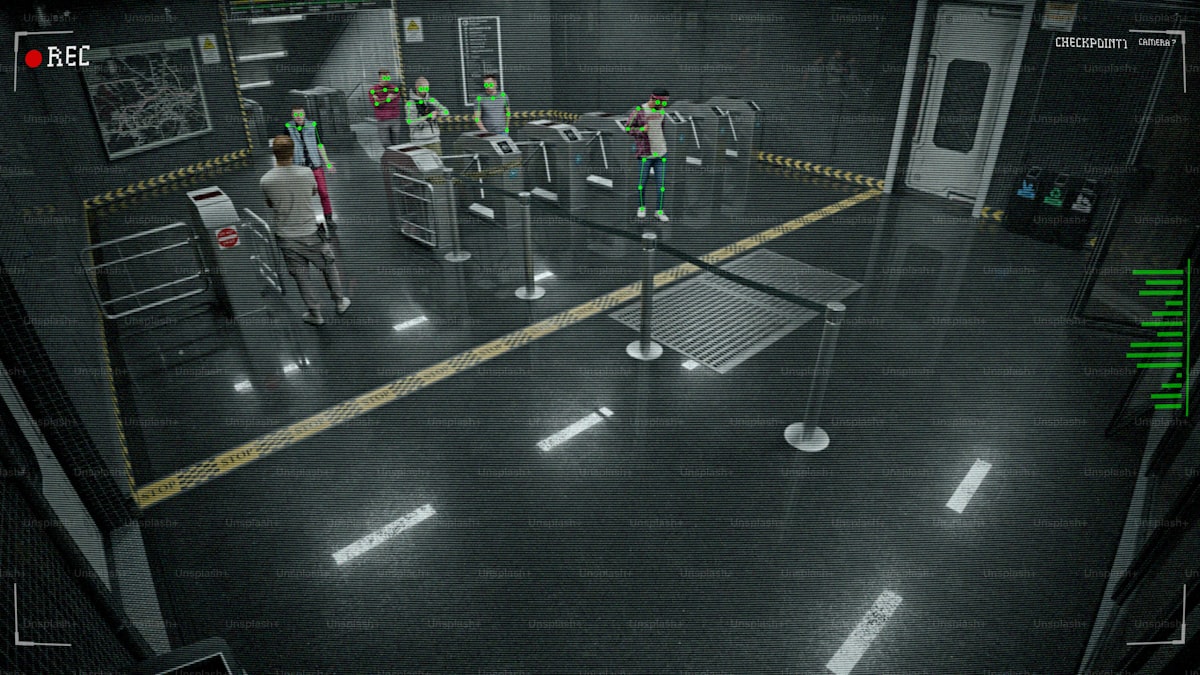
Why Clipboards and Logbooks Are Failing Your Gate Security
Every gated community in Jamaica shares the same scene: a guard booth, a clipboard, and handwritten logbooks. But when entry records are illegible, lost, or buried in pages of scrawl, what you have isn't security—it's security theatre.
A Framework for Community Security Beyond the Guard Booth
Effective community security requires more than guards and cameras. Gated communities need a written security governance framework covering assessments, policies, vendor oversight, and resident responsibilities.

The Future of Community Security: AI and Automation in the Caribbean
Traditional security models are failing Caribbean communities. Here's how AI and automation are solving challenges that manual processes never could.